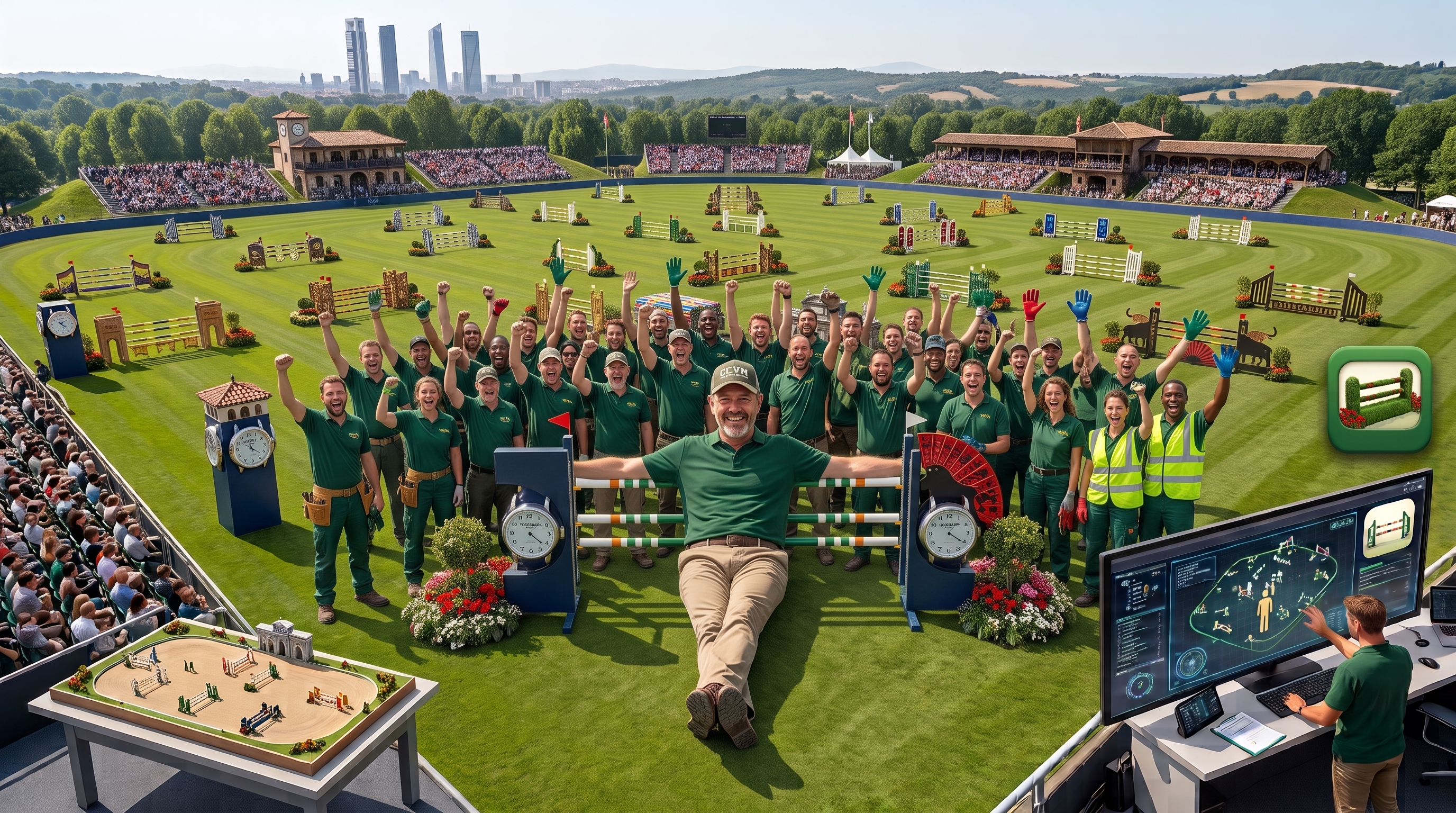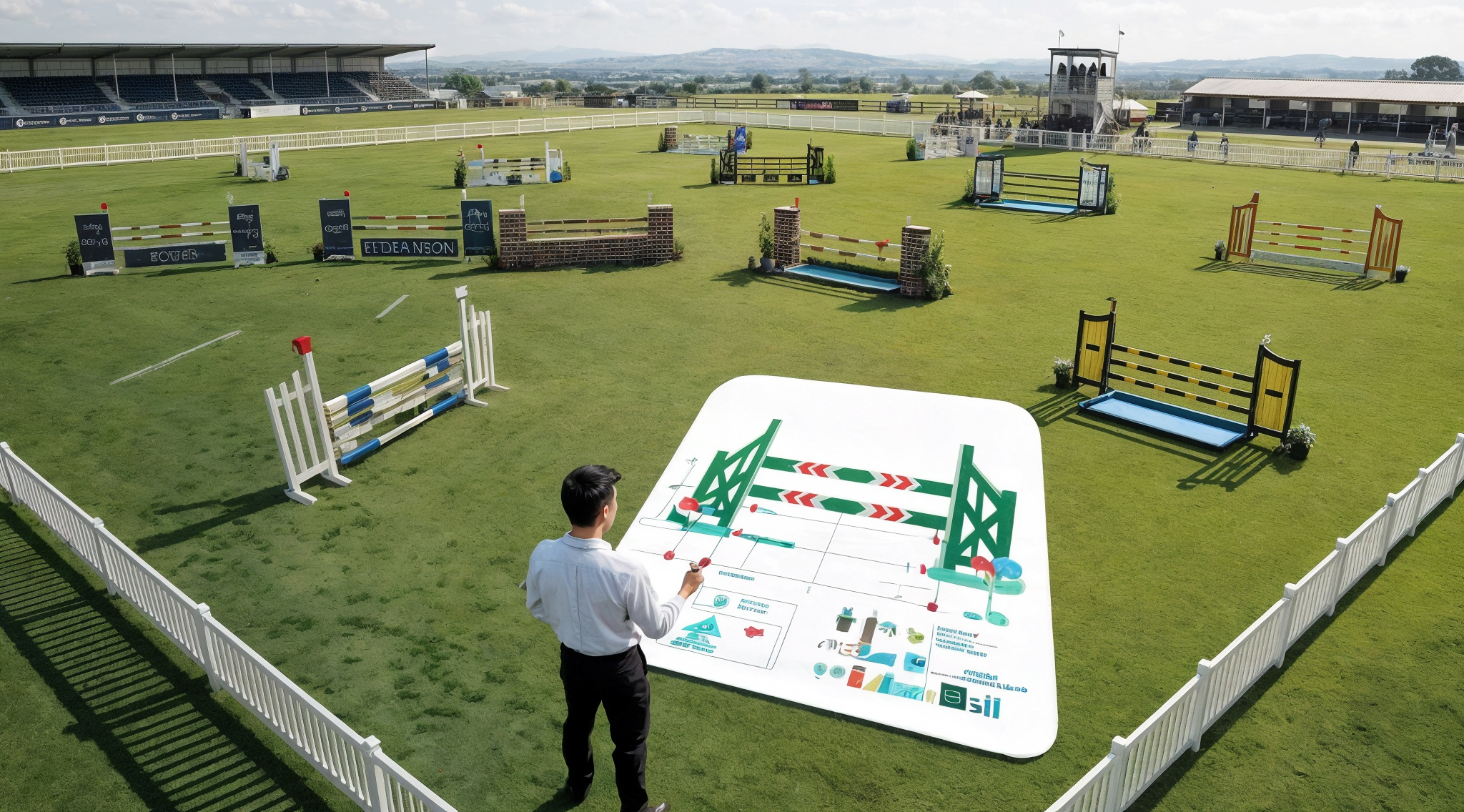
Build the arena
Place fences, combinations, start and finish lines, decorations, terrain, and branded details at true metric scale.
Professional show-jumping course design
Build complete shows, shape rideable tracks, check the rules, and turn one design into every plan your team needs.
Desktop application macOS Windows 10/11 Linux x86-64
One calm workspace
Course Designer brings layout, track geometry, regulatory checks, and production-ready documents together. The design stays visual; the detail stays close when you need it.
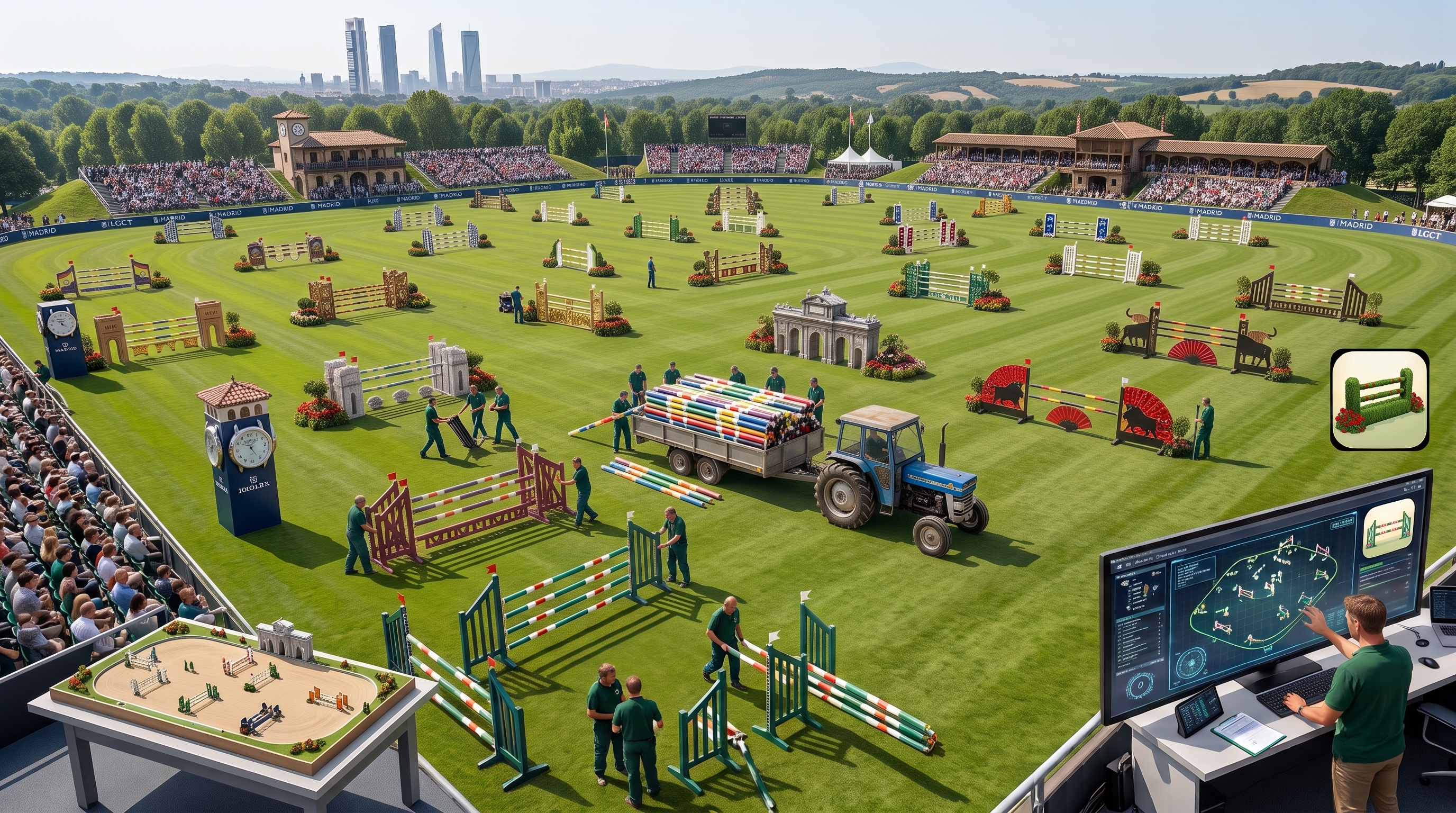
Place fences, combinations, start and finish lines, decorations, terrain, and branded details at true metric scale.
Sequence the efforts and let the geometry engine propose clear, smooth, rideable paths between them.
Review rule compliance, stride and distance evidence, difficulty, flow, terrain, and course elegance while you work.
Create designer and club deliverables from the same source, with course diagrams and component information kept together.
A practical design loop
You place the fences in a good geometric relationship. Course Designer draws the elegant, rule-respecting path between them.
Set up the show in the welcome wizard: name it, choose the horse type, course profile and difficulty level, pick the arena, and list the classes.
Place the master-course fences and let the program draw the track. Aim each fence with Space and set related distances in strides; every class inherits the result.
Evaluate the applicable regulation, difficulty-level constraints, and elegance score. Build excellent courses by method, not chance.
Where a class needs something different, make a local edit and add a jump-off for the tie-break.
Describe each obstacle and complete the component information that becomes the bill of materials.
Read the validation panel as you work and resolve rule findings before the design leaves your desk.
Publish the final course plan as the detailed designer book and the clean club sheets.

Professional output
Keep the rich working document for the course-design team, then generate clean, role-specific plans without rebuilding the course.
Multi-page designer books, clean club plans, component pages, and bills of materials.
Complete designer and club documents that fit naturally into an editable event workflow.
Layered drawings with editable text and shape data for teams that finish their plans in Visio.
Built for real production. Vector artwork remains crisp at print scale in all supported formats.
Quietly dependable

Updates
Signed updates are checked before installation, preserve your registered identity locally, and leave the working copy untouched if a check fails.
Guidance
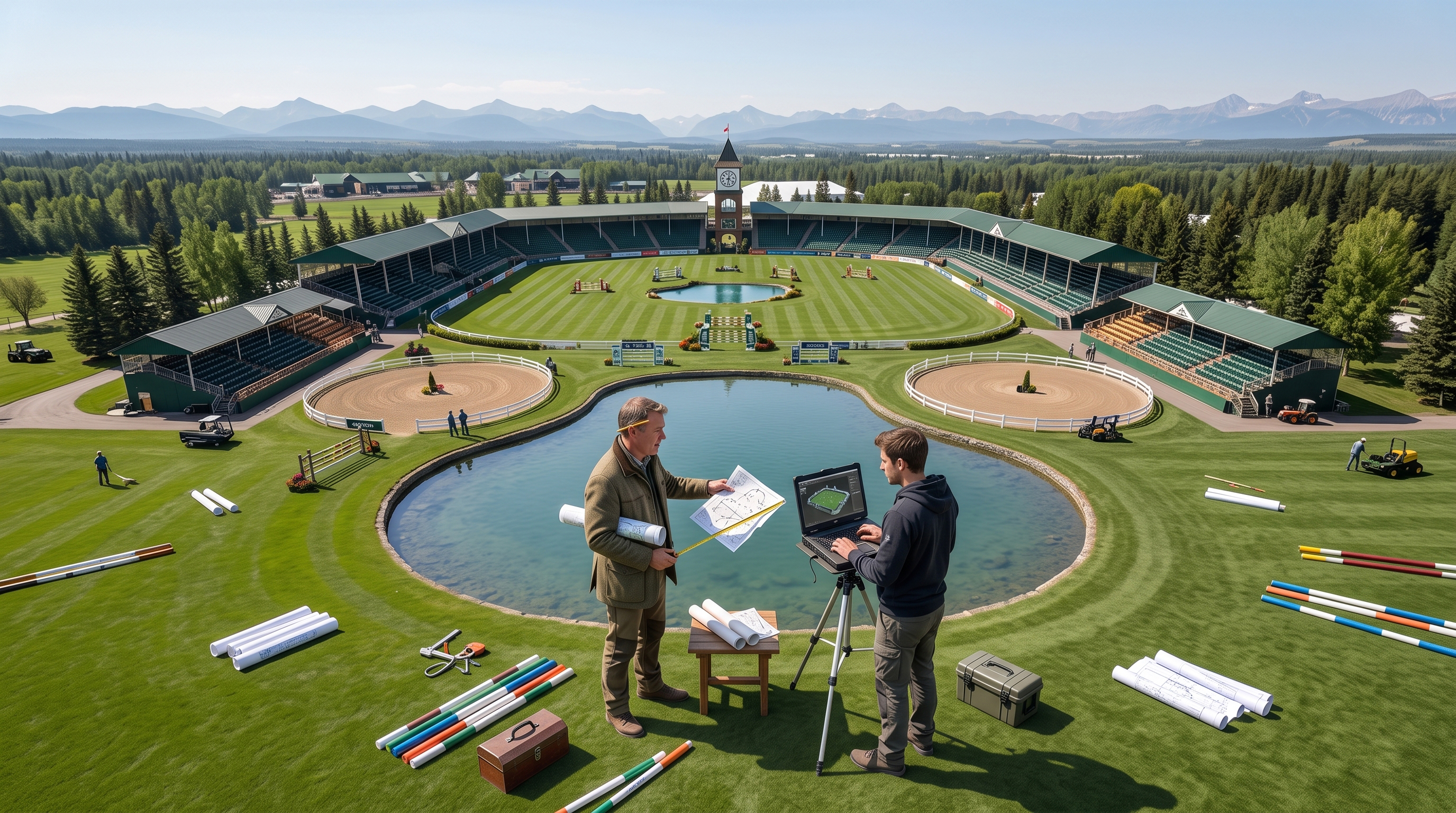
Built-in path explanations, validation detail, keyboard guidance, and focused editing tools help turn a warning into the next clear action.
Registration & download
Every download is built individually and carries the designer name used on exported plans. Send the registration request and your personal link will arrive by email once the copy is ready.
We’ll use these details to prepare your registered application.
Built for the people behind the arena